 Piego
Sharp scans
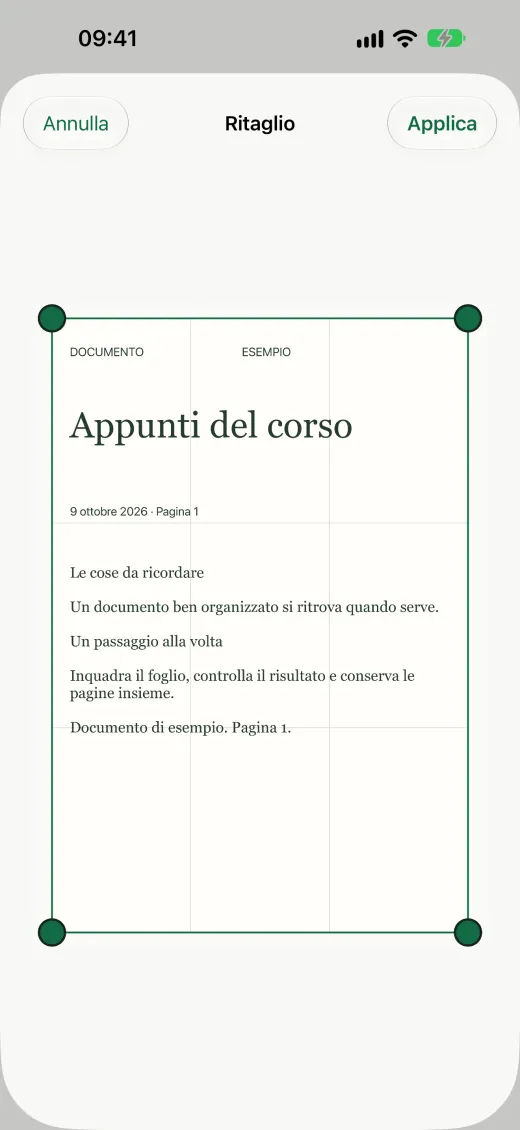
Automatic capture when the page is steady, adjustable crop and six filters, from Photo to Receipt.
New Version 1.3.2: faster capture and more precise cropping
Piego scans, recognizes the text and files your documents by itself. With Piego Pro you edit, sign, fill in and redact PDFs. All on your iPhone.
Free · No account · All on your iPhone
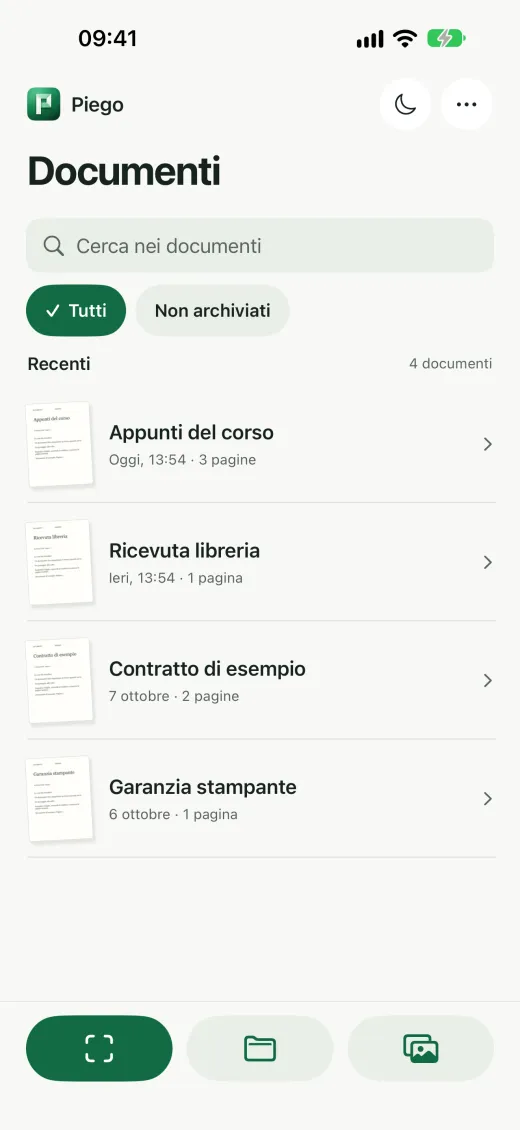
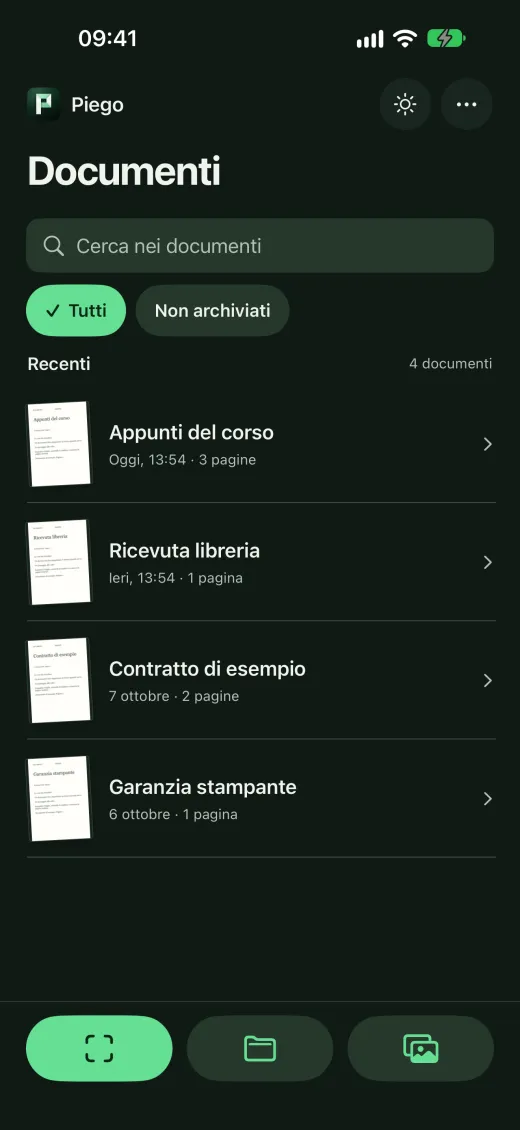
Scanning, text recognition and your document library work on your iPhone, with no account and no ads.
Automatic capture when the page is steady, adjustable crop and six filters, from Photo to Receipt.
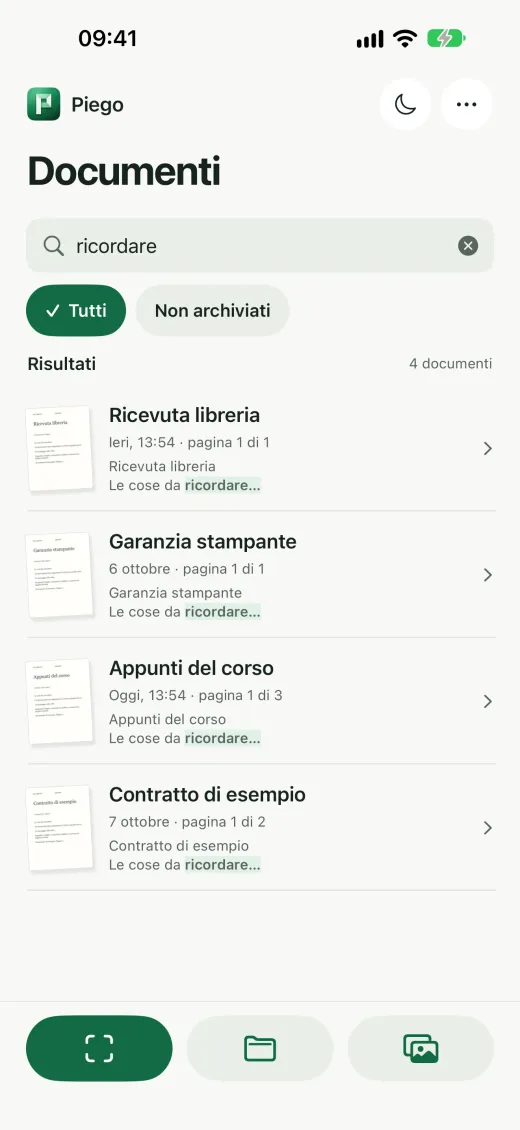
OCR makes every PDF searchable: find a document by any word it contains.
29 ready-made rules in English, Italian, French and German rename and file bills, medical reports and contracts.
Correct the text of PDFs, scanned pages included, keeping their look. Then sign, fill in forms and redact the details you do not want to share.
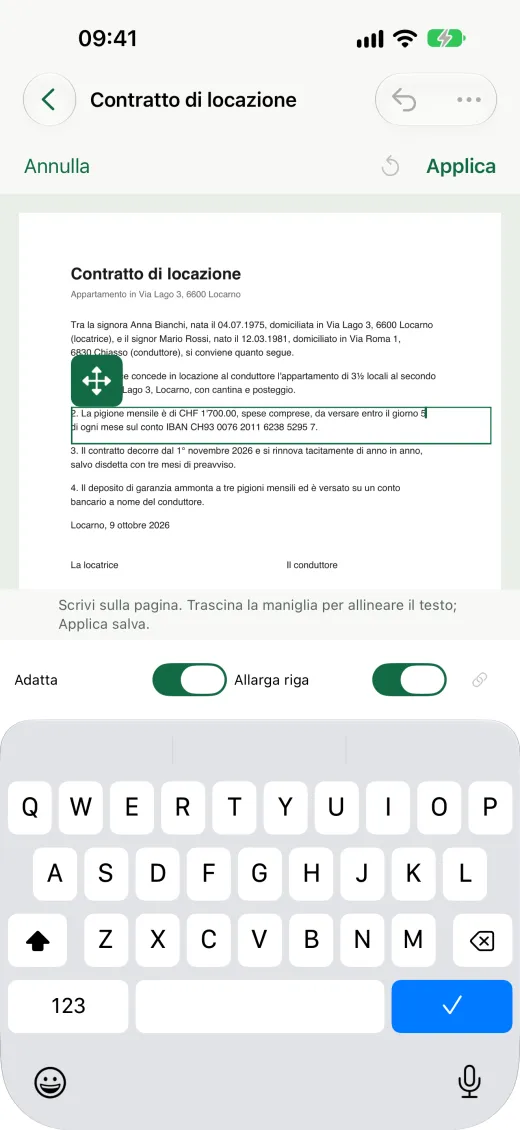
From paper to a filed PDF in three steps.
The PDF editor features included in the subscription.
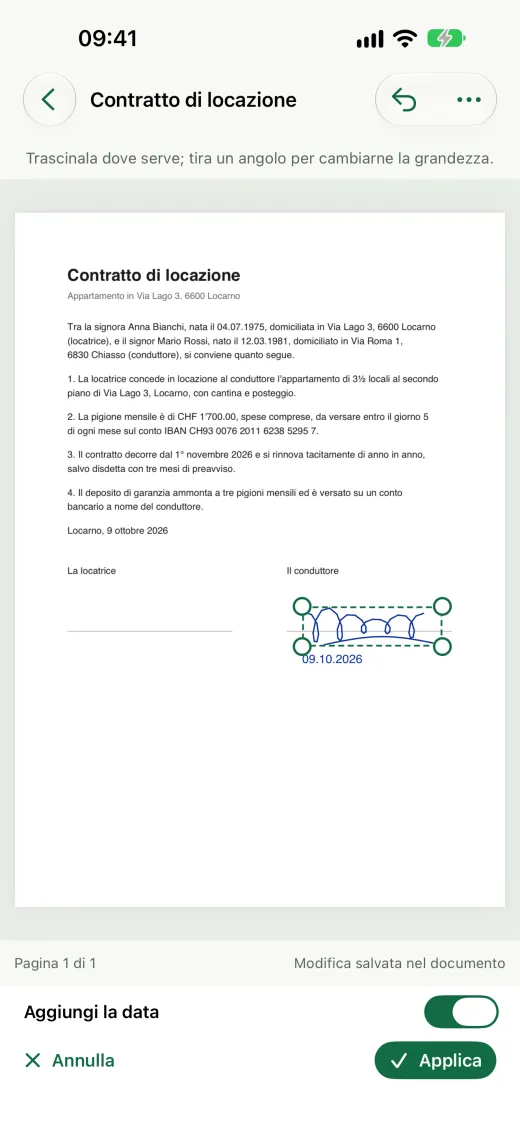
Draw your signature and initials once, then add them to one page or to every page.
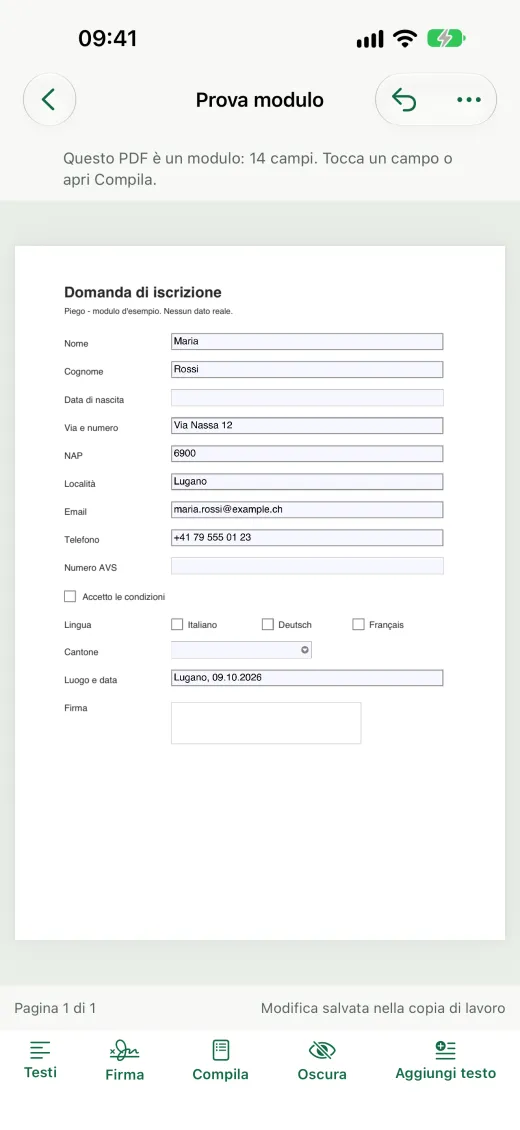
Even forms without fields or photographed ones, with your details suggested in the right fields.
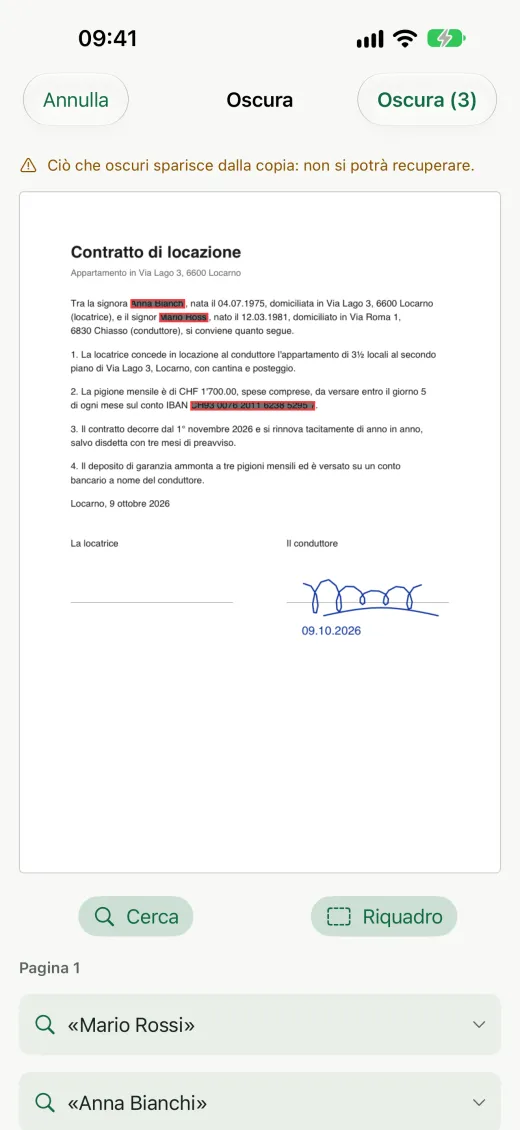
Names, IBANs and other details are really gone from the copy, signed PDFs included.
Piego is free with no ads. The PDF editor is part of Piego Pro, with a free week if you subscribe for the first time.
Scanning, OCR, library and automations, with no time limit.
CHF 0 / forever
Or CHF 24 a year. First week free.
CHF 3 / month
Prices for Switzerland. Elsewhere the App Store shows the local price.
Free on the App Store for iPhone. The app interface is currently in Italian.
Download on theApp Store
No. Piego works without an account. Piego Pro is bought with your Apple Account, through the App Store.
On your iPhone, in the app’s library. Nebello does not receive your images, the recognized text or the library. If you choose to, Piego saves a copy of each PDF to a folder in Files, iCloud Drive included, or to your own WebDAV server.
Scanning, filters, text recognition, search, folders, tags, automatic filing and export are free and without ads. Piego Pro adds the PDF editor: editing text, signing, filling in forms and redacting details. It costs CHF 3 a month or CHF 24 a year in Switzerland, with a free week if you subscribe for the first time; it renews automatically unless you turn it off at least 24 hours before the end of the period, in your Apple Account settings.
The interface is currently in Italian. Automatic filing recognises documents in English, Italian, French and German.
With Notes or Files the iPhone can already scan a document to PDF. Piego adds a document library with search in the recognized text, folders and tags, automatic filing with rules and six filters; with Piego Pro, a PDF editor too.
An iPhone with iOS 26 or later.
Yes. The redacted copy no longer carries the original’s digital signature, because the file changes: Piego says so in the summary.